|
1.
|
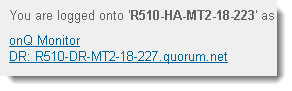
Log on to the HA Appliance’s onQ Portal.
|
|
2.
|
Scroll to the bottom of the DASHBOARD page.
|
|
3.
|
|
a.
|
In the navigation pane, click Add/Remove button.
|
|
b.
|
|
c.
|
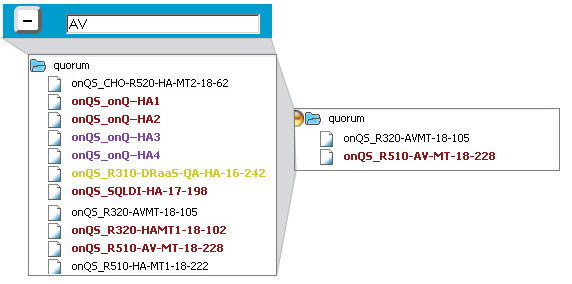
(Optional) Type a Group name if you’d like to assign the HA Appliance and its DR, DR Mirror(s), and AV to a group.
|
By default, onQ Monitor provides a quorum group to include the HA from which you logged on to the onQ Monitor.
|
d.
|
Click ADD.
|
|
2.
|
|
3.
|
Click on the STATUS tab.
|