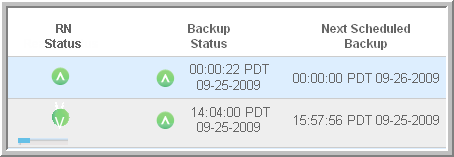
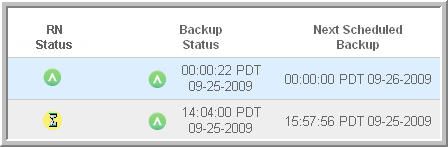
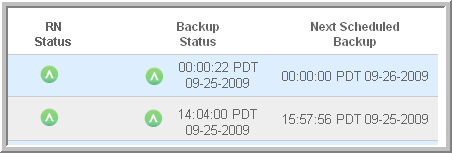
You can follow the HA Appliance’s process of taking a backup and preparing a recovery node by watching the icons under RN Status and Backup Status on the PROTECTED NODES page.
|
1.
|
Between backups, if protection is enabled, the icons under RN Status and Backup Status are each a green circle with an upward-pointing caret.
 |
|
2.
|
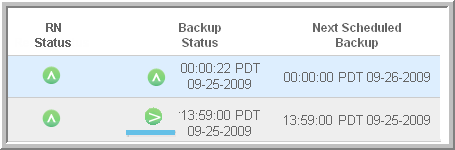
At the scheduled time, the backup begins. The caret on the green circle under Backup Status moves left to right, while a blue status bar underneath fills left to right.
 |
|
3.
|
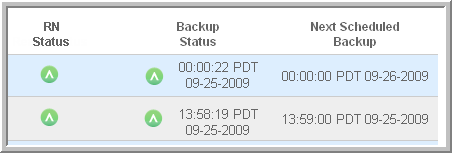
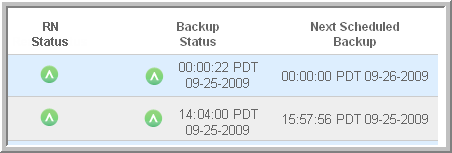
When the backup is finished, the dates under Backup Status and Next Scheduled Backup are updated and the circle under Backup Status returns to a stable green circle with an upward-pointing caret.
 |
|
4.
|
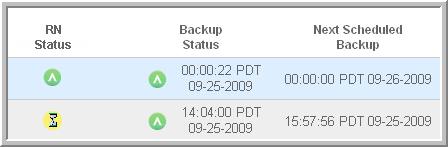
In a few moments, the circle under RN Ready changes to a yellow hourglass and remains so for about two minutes.
 |