|
•
|
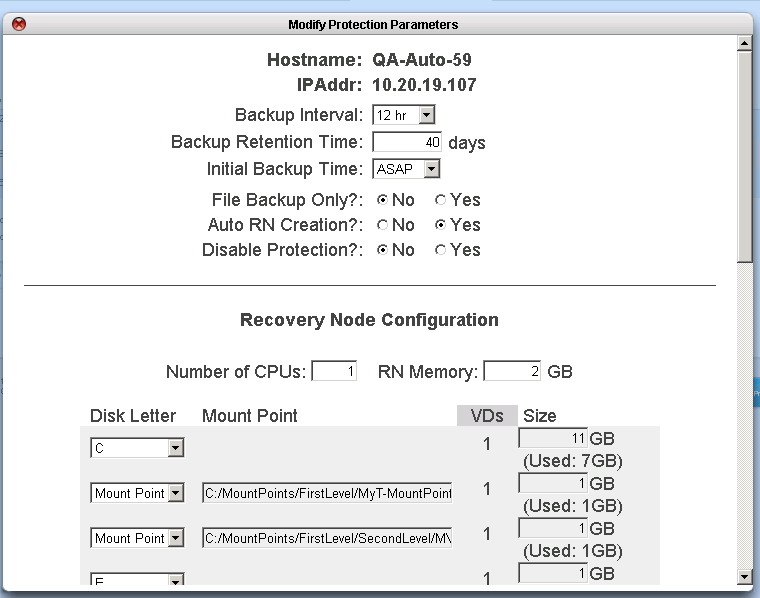
Ready-to-Run - the RN is updated after each backup cycle
|
|
•
|
On Demand - the RN is only built when requested through the onQ Portal
|
|
1.
|
Log on to the HA Appliance’s onQ Portal.
|
|
2.
|
|
3.
|
|
•
|
(All RNs) Click either the ALL BoD or ALL AUTO button at the bottom of the page, then click Disable RN Auto Creation/Enable RN Auto Creation to switch all RNs to a given policy.
|
|
•
|
(Single RN) Click the Auto RN Creation button next to the RN, then click Disable RN Auto Creation/Enable RN Auto Creation to switch to the other policy.
|
|
1.
|
Log on to the HA Appliance’s onQ Portal.
|
|
2.
|