To automatically install an update:
You must log on as VARAdmin to update the onQ Service on your PNs.
|
2.
|
Log on to the onQ Portal.
|
|
5.
|
Go to PROTECTION CONFIG tab.
|
|
6.
|
Select the PN that you want to upgrade, then VIEW button.
|
|
7.
|
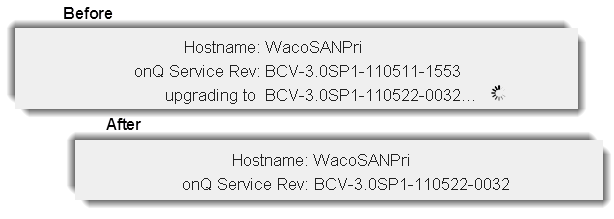
From the View a Protected Node dialog, click Upgrade onQ Service button. This button does not appear if your Protected Node is running the latest software version.
|
 .
To manually install an update:
You must log on as VARAdmin to update the onQ Service on your PNs.
|
2.
|
Log on to the onQ Portal using Internet Explorer. If you want to use Firefox, download the software before you continue.
|
|
4.
|
|
5.
|
Click Protect Me.The Protect Me wizard launches.
|