However, there are situations in which you might need to temporarily disable snapshot transfers. Before you do so, you must have enough disk space to accumulate backups and change the DR Appliance’s IP address to an unused address or disconnect the DR Appliance from the network, as the warning below advises:. 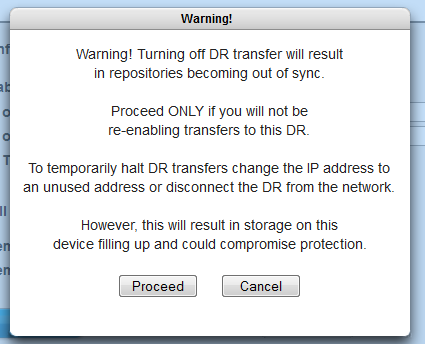
Stopping protection on the HA Appliance will also keep the repositories in sync, but the downside is that the HA Appliance will not perform any backups until you turn on protection. This method is not recommended.
|
1.
|
|
3.
|
Log on to the onQ Appliance’s onQ Portal.
|
|
4.
|
|
5.
|
|
6.
|
Disable Transfer: OFF displays at the top of each UI page on the onQ Appliance.