Use this procedure to download and install the onQ Service Installer on the Windows cluster server that you want to protect. If that server is a Windows 2003 server, perform the procedure outlined in (Step 1) Download iSCSI initiator for Windows 2003 before you proceed.
|
c.
|
From that server, launch the onQ Portal, then go to APPLIANCE CONFIG tab > ADVANCED button > DOWNLOADS page.
|
|
d.
|
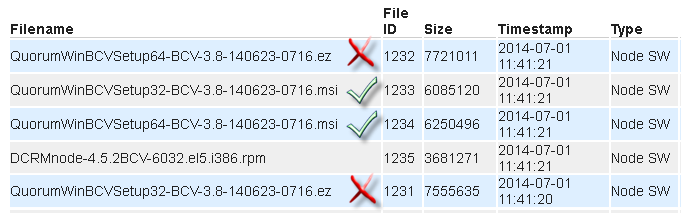
Scroll down and select the QuorumWinBCVSetup<bitVersion>-BCV<build>.msi file that matches your server’s operating system. Do not download the.ez file.
 |
|
e.
|
Click the DOWNLOAD button, saving the file to your Downloads folder. Stop! Do not run this file yet because you might not have the necessary User Account Control levels.
|
|
2.
|
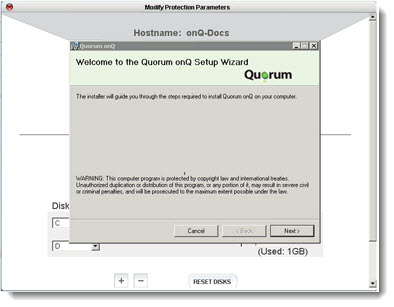
Open the Downloads folder. On the newly downloaded msi installer, right‑click > Run as Administrator. If prompted, do not put any restrictions on this account.
|
|
•
|
|
•
|
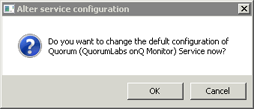
Click OK, then, in the dialog that launches, specify the account and credentials that you want the service to use, then OK. For example, you can configure the service to run as administrator. If you want the service to run as the domain administrator specify the domain:
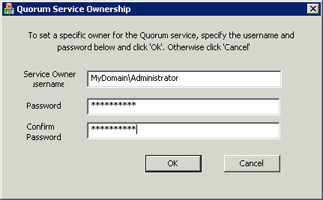 |
A service running on Windows generally runs as a user account, usually Local System by default. However, you can configure the service to run as any user. At the end of the process, onQ Manager presents you with a summary of the RN's proposed configuration.