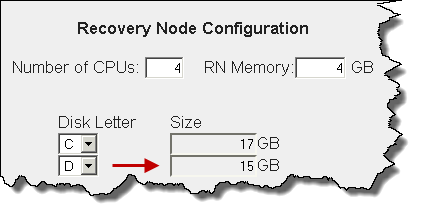
As outlined in Add protected nodes manually, a protected node’s virtual disk (vdisk) requires a specific amount of disk space.
onQ alerts you (see PN Disk Space Alerts) when your protected node’s vdisk capacity used exceeds 80%. If you wait until a vdisk fills up, onQ cannot protect that protected node.
|
1.
|
Log on to the HA Appliance’s onQ Portal.
|
|
2.
|