As outlined in (Agent‑based PNs) Add protected nodes manually, a protected node’s virtual disk (vdisk) requires a specific amount of disk space.
onQ alerts you (see Recovery Node and PN Disk Space Alerts) when your protected node’s vdisk capacity used exceeds 90%. If you wait until a vdisk fills up, onQ cannot protect that protected node.
|
•
|
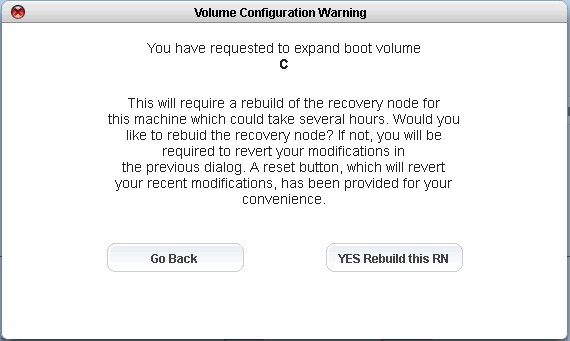
If you increase or decrease the size of C:\, you must rebuild the entire RN.
|
|
•
|
If you increase the size of a vdisk for any drive/volume other than C:\, you do not need to rebuild the RN because onQ simply adds an additional vdisk for the delta. However, there is one exception. An RN is limited to a total of 15 vdisks. If you exceed this limit, the onQ Portal prompts you to rebuild the RN so that onQ can consolidate the vdisks and provide you the vdisk size that you requested.
|
|
1.
|
Log on to the HA Appliance’s onQ Portal.
|
|
2.
|