Also, you need to re-establish this trust relationship between the HA Appliance and DR Appliance if you change their roles, which is required in the event of a disaster (see (Workflow) Fail over HA Appliance to DR Appliance).
|
1.
|
Log on to the HA Appliance’s onQ Portal.
|
|
2.
|
Simply click on the Set Up Remote Trust button.
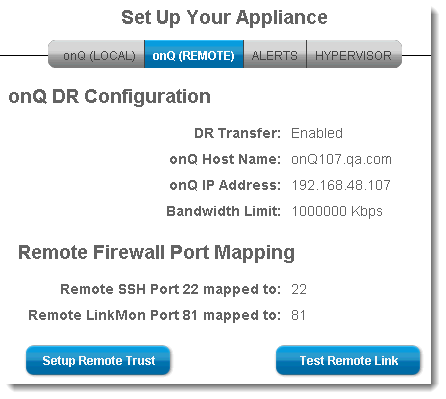
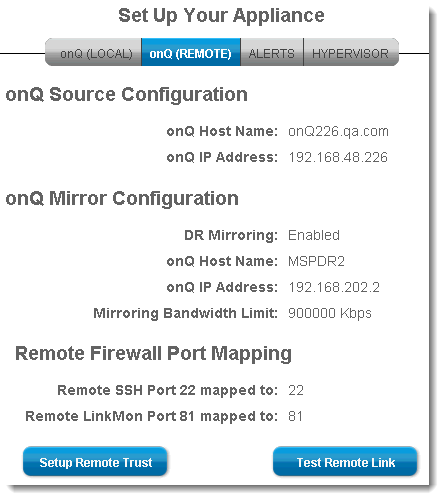
|
3.
|
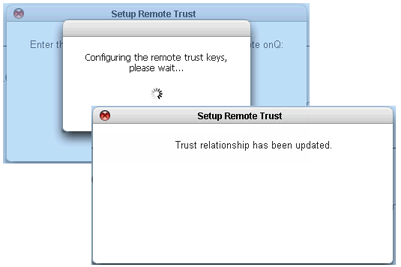
|
4.
|
|
1.
|
Log on to the DR Appliance’s onQ Portal.
|
|
2.
|
|
3.
|
Simply click on the Set Up Remote Trust button. These buttons are inactive if you have not yet enabled DR mirroring.
|
|
4.
|
|
5.
|