Disable replication globally
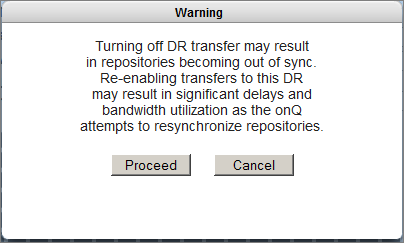
Use this procedure to disable backup transfers for all PNs. If you want to disable backup transfers for a given PN, simply disable replication for that PN only.
However, there are situations in which you might need to temporarily disable snapshot transfers globally. Before you do so, you must have enough disk space to accumulate backups.
An alternative to disabling all transfers is stopping protection on the HA Appliance so as to keep the repositories in sync, but the downside is that the HA Appliance will not perform any backups until you turn on protection. This method is not recommended. Besides, when you re‑enable transfers, the repositories will resync automatically.
To disable replication globally:
|
1.
|
Log on to the onQ Appliance’s onQ Portal.
|
|
2.
|
|
3.
|
|
•
|
(Recommended) Set the bandwidth to zero.
|
|
5.
|
|
6.
|
Disable Transfer: ON icon no longer displays at the top of each UI page on the onQ Appliance.
|
7.
|